How do I know if there is a disruption on my line?
In the Traffic Information section of the Île-de-France Mobilités website and application, each disrupted line is indicated by a coloured icon indicating the level of disruption:
On the Île-de-France Mobilités app
To consult the traffic information for a line:
- Open the Île-de-France Mobilités app.
- Go to the Traffic Information section.
- In the section of the mode of transport concerned: choose the desired line or enter its number directly in the search bar.
- Consult the traffic information (disruptions / works ) of your current or future line, up to 30 days in advance, by clicking on the "Coming soon" tab.
Did you know?
The pictograms displayed next to the line logos make it possible to identify at a glance their level of disturbance. Find below the meaning of each of these pictograms.

Non-disruptive and non-blocking information on a line or route (e.g. fare changes)

Interruption of traffic (current and/or future) due to works, disruption or other

Traffic disruption in progress (which is not part of the order of work)
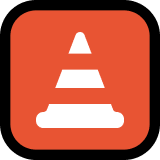
Disruptive work in progress and/or to come

Disrupted traffic to come (which is not on the agenda of the works)
On the Île-de-France Mobilités website
To consult the traffic information for a line:
- Visit the Île-de-France Mobilités website.
- In the "Move around" menu, click on "Traffic information".
- Select the mode of transport concerned: train, RER, metro, tram, cable or bus.
- Choose the desired line or enter its number directly in the search bar.
- Consult the traffic information (disruptions / works on your line on the same day or to come, up to 30 days in advance, by clicking on the "Coming soon" tab).
Did you know?
The pictograms displayed next to the line logos make it possible to identify at a glance their level of disturbance. Find below the meaning of each of these pictograms.

Non-disruptive information on a line or route (fare changes for example)

Traffic interruption due to disruption

Disrupted traffic/blocking disruption (one or more stops not served for example) - On the Ile-de-France Mobilités website
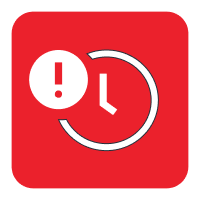
Disrupted traffic/blocking disruption (one or more stops not served, for example) - On the Ile-de-France Mobilités app

Non-blocking disturbance (advanced or delayed strokes, etc.) - On the Ile-de-France Mobilités website
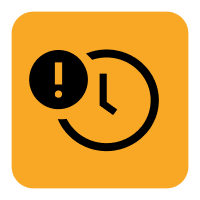
Non-blocking disturbance (advanced or delayed strokes, etc.) - On the Ile-de-France Mobilités app
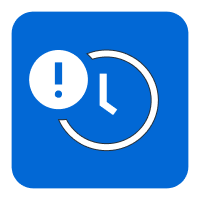
Information on the line's timetables / Information on an event that may cause disruptions (possible high traffic due to a major event...)
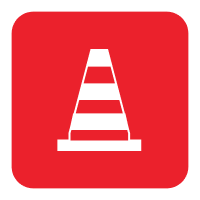
Traffic interruption due to works on the network
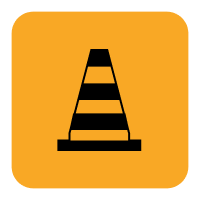
Disruption to traffic due to works on the network