Google Wallet: buy and validate your transport tickets in Île-de-France on Android
How do I buy and store my transit tickets in Google Wallet?
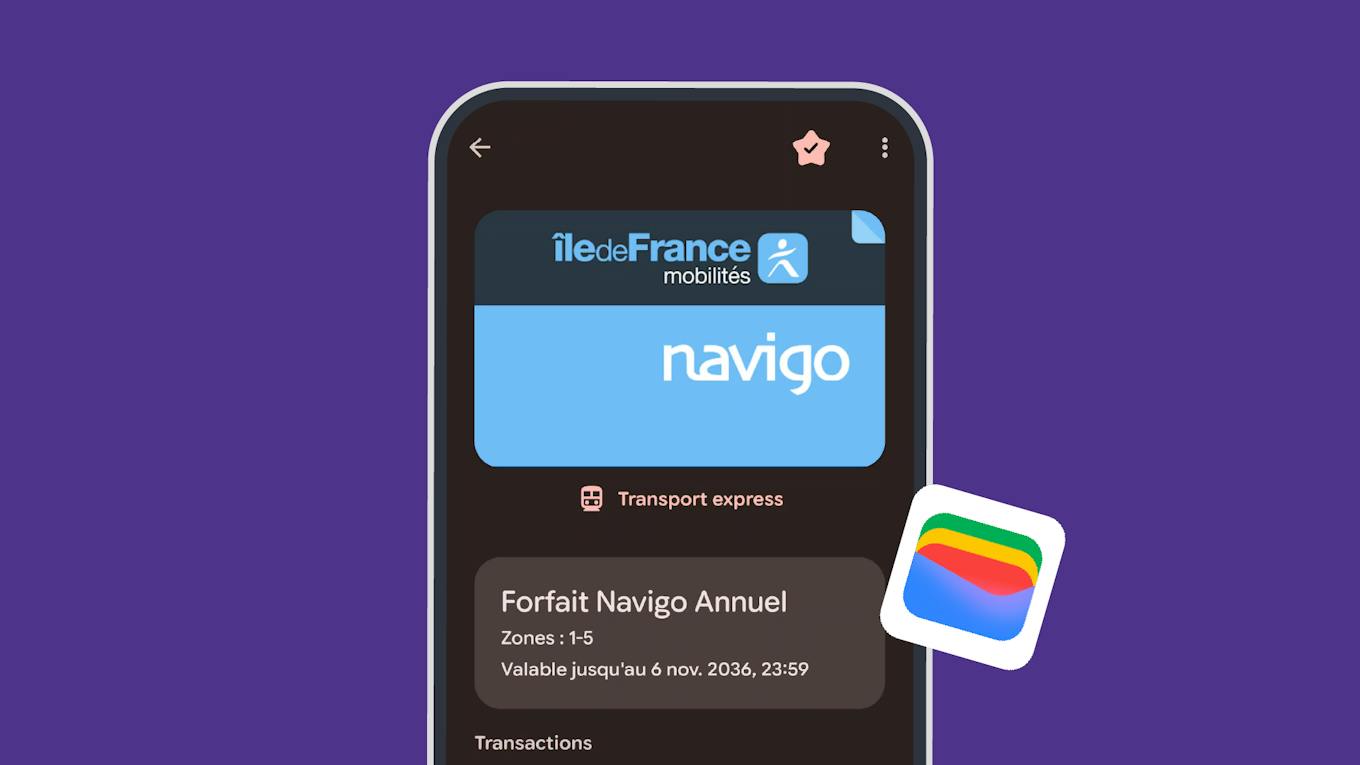
No need to look for your Navigo pass or your Navigo Easy pass when boarding the transport! With Google Wallet, you can now buy and store various transport tickets directly in your Android smartphone: Metro-Train-RER tickets, Bus-Tram, airport tickets, etc. You can also save several tickets on the same phone to travel with several people and validate everyone's journeys with your smartphone.
Another new feature: the "My Navigo tickets" application, which until now allowed you to buy and store your tickets on Android, is no longer necessary. Everything happens from your Google Wallet, with the possibility of buying your tickets from the Île-de-France Mobilités app or other partner apps.
This new possibility complements the solutions already offered by Île-de-France Mobilités on smartphones: Apple Wallet and Samsung Wallet.
4 advantages to simplify your travels
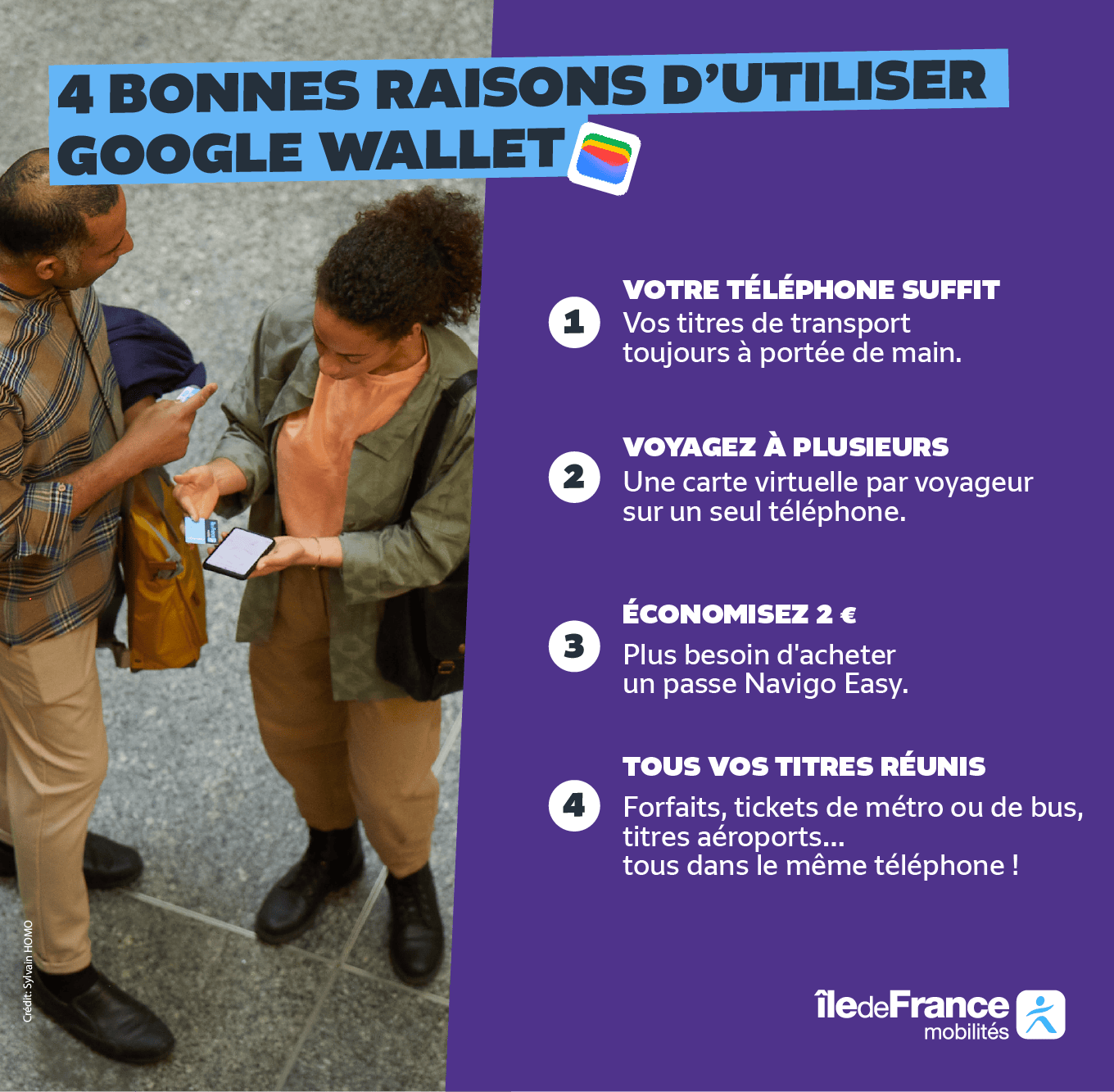
- Travelling with your Android phone, without a physical Navigo pass : your transport tickets are stored directly in your phone. Convenient for subscribers and occasional travelers alike: you can leave your physical card at home.
- Travel with others with Google Wallet on a single phone : Google Wallet allows you to have several transport cards on the same smartphone and to validate up to 20 cards in a row. A particularly practical solution for families or groups visiting the Île-de-France.
- Buy tickets without a Navigo Easy pass : no need to buy a €2 Navigo Easy pass to load your occasional tickets, you can store them directly in your phone.
- Store different types of transit tickets in Google Wallet : Some tickets that can't be stored together on the same physical pass can now coexist in Google Wallet. This is particularly the case for the Airports ticket and the Metro-Train-RER ticket. Practical for preparing a trip to an airport or combining several types of trips.
How do I use Google Wallet to travel?
To take advantage of this service, all you need is a compatible Android smartphone and Google Wallet. You can then buy your tickets from the Île-de-France Mobilités app or a partner app (Bonjour RATP or SNCF Connect), then add them to your digital wallet to use them on your travels.
Tutorial: Add multiple cards and validate your tickets with Google Wallet

New for simplicity
The "My Navigo tickets" application, which until now allowed you to buy and store transport tickets on Android, is no longer necessary. The tickets currently stored there can be transferred to Google Wallet in a few steps, directly from the Île-de-France Mobilités app: go to My tickets > On my phone.
Tutorial: Transfer your existing tickets to Google Wallet
Île-de-France Mobilités continues to modernise ticketing
For several years, Île-de-France Mobilités has been developing payment and validation solutions to simplify travellers' journeys. Today, 50% of ski passes and 41% of occasional tickets are purchased from a smartphone.
With the arrival of Google Wallet, travelers now have solutions on the main digital wallets: Apple Wallet, Samsung Wallet and Google Wallet.
And it's not over: the dematerialization of the Imagine R package is planned for the start of the 2027 school year, a new step to make travel in Île-de-France even easier.
Ready to travel with Google Wallet?
Find your transport tickets in your digital wallet and simplify your travel in Île-de-France.
Buy your ticket from the Île-de-France Mobilités app